Grocery Expense Tracker — Line-item bookkeeping for every receipt
If you've ever needed to itemize grocery spending — for a household budget review, a tax-deductible business meal, a shared-expense reimbursement, or just to know exactly what you bought last Tuesday — you know how painful it is to go back through paper receipts. GroceryTracker Pro is a grocery expense tracker that captures every line item, store, date, and total automatically, then keeps it searchable forever. Think of it as accountant-grade bookkeeping for your kitchen.
Why line-item data matters more than totals
A receipt total tells you what you spent. Line items tell you what you actually bought — and those are two very different conversations. Line-item data lets you separate food from non-food, identify a single product's price across multiple visits, calculate cost-per-meal for a given recipe, and split a shared shop fairly between household members.
It also makes tax season dramatically less painful. If you run a small business, host clients, or claim home-office grocery deductions, having every receipt itemized and exportable to PDF is the difference between a five-minute filing and a Saturday spent re-keying numbers from faded paper.
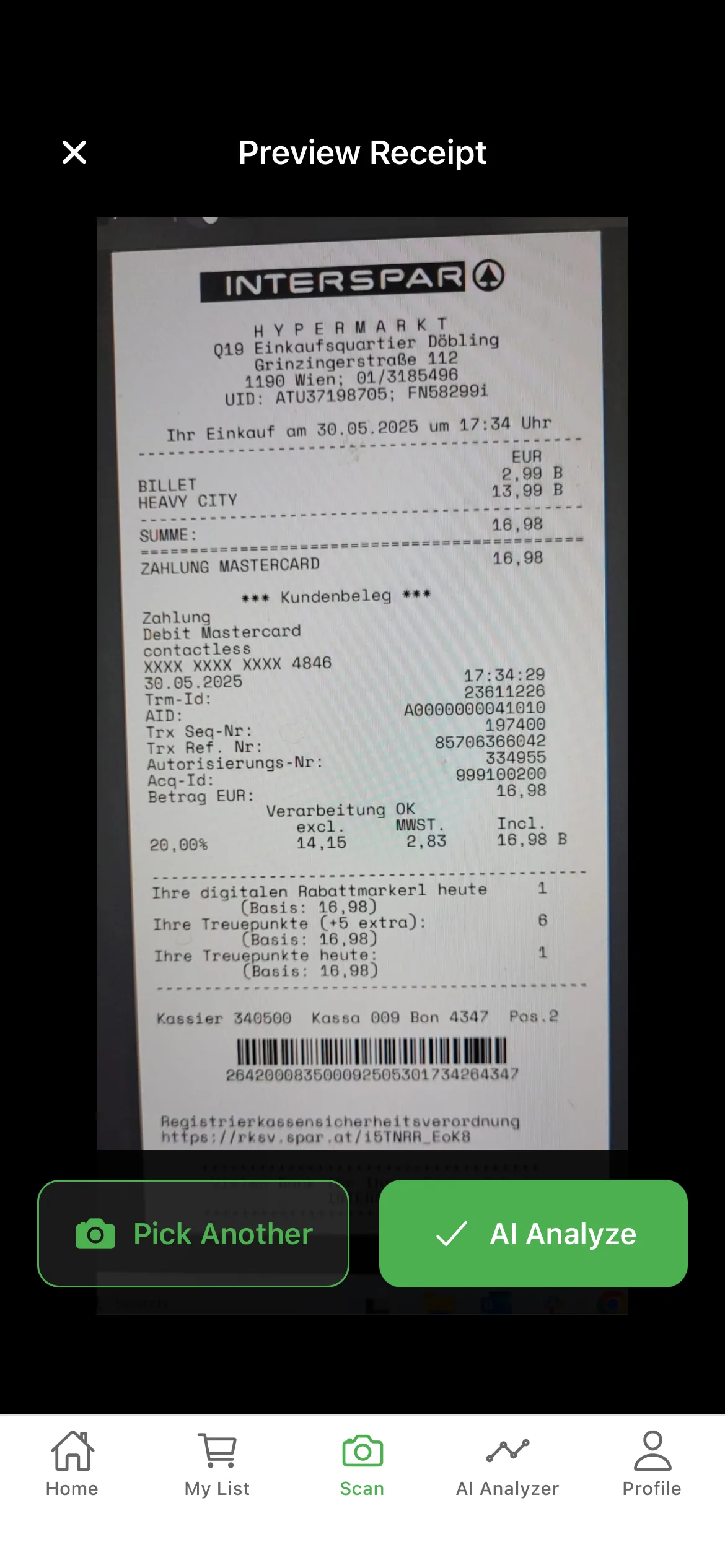
The capture workflow: from receipt to record in 10 seconds
After every shop, open the app and snap a photo of the receipt. AI optical character recognition reads every line: product name, quantity, unit price, total, tax, store name, and date. The data is normalized (so "WHL MLK 2%" and "Whole Milk 2%" become the same searchable item) and saved to your expense ledger. The whole process takes under 10 seconds per receipt.
If anything looks wrong — a smudged digit, a missed line item, an unusual format — you can edit any field with one tap before saving. Most receipts need no corrections at all. PDFs (digital receipts emailed by the store) can be imported directly without scanning.
Expense tracking features built for accuracy
- AI line-item OCR — Reads product, quantity, unit price, line total, tax, store, and date from photos and PDFs.
- Edit any field before saving — Manual override on every captured value if the AI missed something.
- Smart product normalization — Variant spellings ("WHL MLK", "Whole Milk", "Milk Whole") are unified into one searchable item.
- Tax breakdown per receipt — Subtotal, tax, and total tracked separately for filing and reimbursement workflows.
- PDF export by date range — Generate a tidy expense report for any period — week, month, quarter, or fiscal year.
- CSV export for spreadsheets — Bring full line-item data into Excel, Google Sheets, or your accounting software.
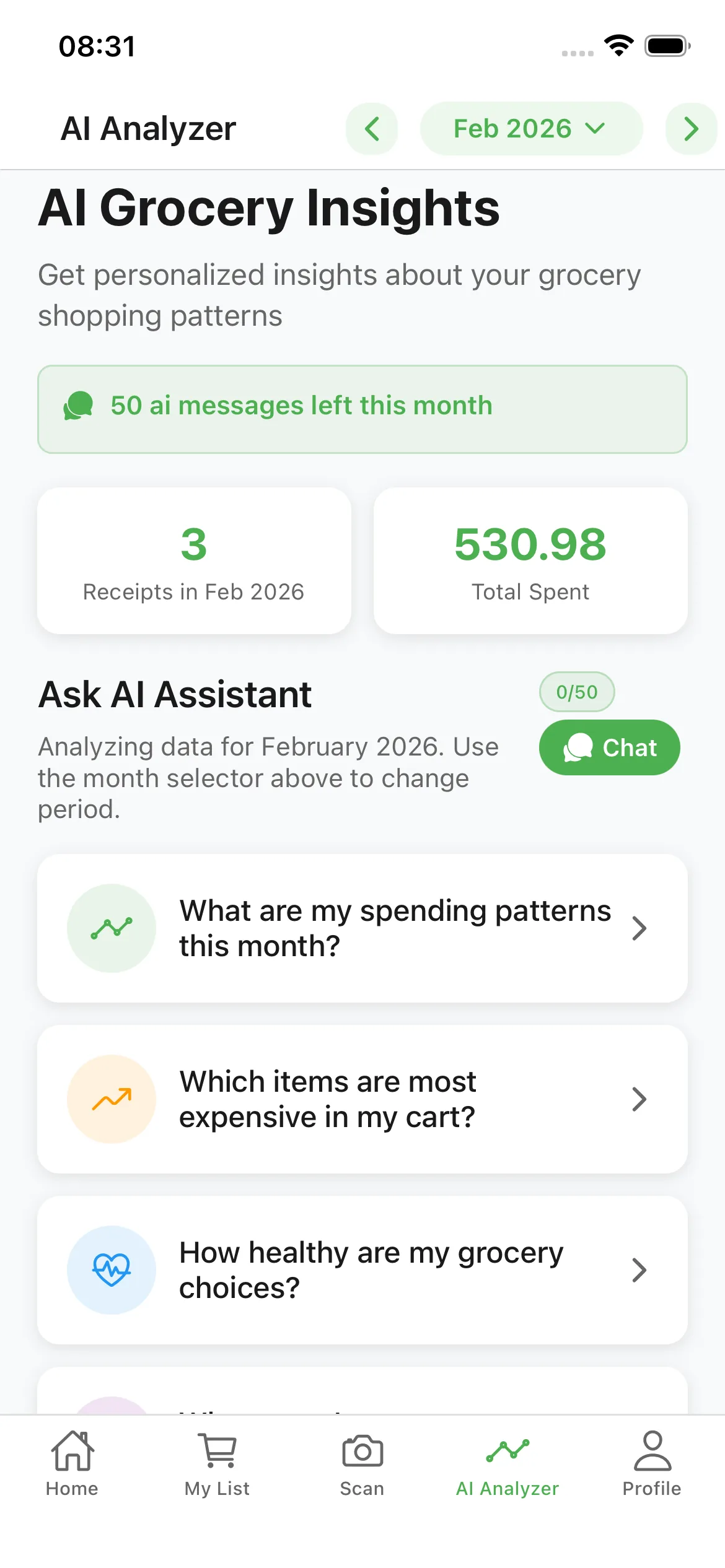
Use cases beyond personal budgeting
A grocery expense tracker isn't just for home budgets. Freelancers and small-business owners use it to itemize client-meal groceries for accurate write-offs. Shared-household members use it to split bills proportionally based on who actually bought what. Parents managing food budgets for elderly relatives use it to keep transparent records for siblings or care coordinators.
In all of these cases, the value isn't the budget bar — it's the audit trail. Every receipt is timestamped, every line is itemized, and every export is reproducible. When you need to prove what you spent and on what, the data is already there.
Frequently Asked Questions
What's the difference between a budget tracker and an expense tracker?
A budget tracker focuses on whether you stay under a limit. An expense tracker focuses on capturing every line item accurately. GroceryTracker Pro does both, but the expense tracker side is built for line-item precision and exportable records.
Can I export receipts as a PDF report?
Yes. Premium plans include PDF export by date range, with line-item detail and tax breakdowns — useful for reimbursements, tax filings, or shared-household accounting.
Does the app handle non-grocery items on the same receipt?
Yes. If your supermarket receipt includes household items, pharmacy products, or alcohol, the app categorizes each line separately so you can filter food-only spending.
Can I import digital receipts (PDFs) instead of scanning?
Yes. Email PDFs, downloaded receipts, and screenshots can all be imported directly. The same line-item OCR runs on imported files.
How long is my receipt history kept?
Indefinitely. As long as your account is active, every scanned receipt remains searchable and exportable. Free accounts have a per-month scan cap; Premium removes the cap entirely.
Start tracking your grocery spending
Free on iOS & Android — no signup required to start scanning.
