Receipt Scanning: Paper vs App — Which Actually Works?
You have a shoebox of receipts. Or maybe a folder. Or a spreadsheet you stopped updating in February. The question is not whether to track your grocery spending — the average household spends over $4,000 a year on groceries — the question is which method actually works long enough to make a difference. Here is an honest comparison of every approach, including the one that takes 15 seconds per receipt.
The five ways people track receipts
After looking at how thousands of users manage their grocery receipts, the methods fall into five categories:
- Do nothing — throw the receipt in the bag, hope for the best.
- Paper folder — physically organize receipts into envelopes by month or category.
- Spreadsheet — manually enter amounts into Excel or Google Sheets.
- Photo folder — snap a picture of each receipt and save to a phone album.
- Receipt scanner app — use an app that reads the receipt, extracts line items, and builds your database automatically.
Most people try method 2 or 3 at some point. Almost all of them abandon it. Let us look at why — and what the data says about which approach actually changes behavior.
Paper folders: organized but lifeless
The paper binder method feels responsible. You buy an accordion folder, label the tabs by month, promise yourself you will file every receipt. For the first two weeks, you do.
The problem is not organization — it is usefulness. A paper folder full of receipts gives you one thing: proof that you spent money. You cannot search it. You cannot total it. You cannot compare October to November without manually counting each entry. For grocery budgeting, paper is storage, not insight.
Paper also has a physical flaw: thermal receipts fade. Most grocery receipts are printed on thermal paper that degrades with heat and light. According to the National Institute of Standards and Technology, thermal receipt text can become illegible within 6–18 months. That tax receipt you filed last April? It may already be a blank strip of paper.
Spreadsheets: thorough but abandoned
Opening a spreadsheet and entering "$67.43, Aldi, October 14" feels productive. The problem is that entering 3–5 receipts per week is a 10-minute chore that most people stop doing within three weeks. The data is only useful if you keep it up, and manual entry has a 90%+ dropout rate in the first month.
Even the people who stick with spreadsheets face issues: typos in amounts, missed receipts, forgotten categories, and no automated insights. You spend more time formatting cells than understanding your spending.
The Bureau of Labor Statistics Consumer Expenditure Survey relies on self-reported spending data — and consistently underestimates actual household spending by 20–30%. If trained surveyors cannot get accurate numbers from manual recall, a spreadsheet will not either.
Photo folders: fast but useless
Taking a photo of each receipt takes 5 seconds — faster than any other method. But then what? The photo sits in a folder called "Receipts" alongside 400 other images. You cannot search by store, date, or total. When you need to find how much you spent at Costco in March, you scroll through 30 blurry images hoping to spot the right one.
Photo folders solve the preservation problem (receipts do not fade) but not the insight problem (you still cannot see patterns). It is the digital equivalent of the paper shoebox — just as disorganized, slightly more permanent.
Receipt scanner apps: 15 seconds, full data
This is where the game changes. A receipt scanner app does three things in one action:
- Captures the receipt image permanently — no fading, no lost paper.
- Reads every line item, store name, date, and total using OCR — no typing.
- Organizes the data into categories, trends, and budget dashboards automatically.
The time cost per receipt is roughly 10–15 seconds. You point your phone camera, the app reads the text, and you see the total appear in your dashboard. Over a week with 3 shopping trips, that is under a minute of total effort.
Compare that to a spreadsheet (3–5 minutes per week) or a paper folder (2 minutes to file, zero insight). The app wins not because it is newer, but because the low effort means you actually keep doing it — and consistency, not perfection, is what drives savings.
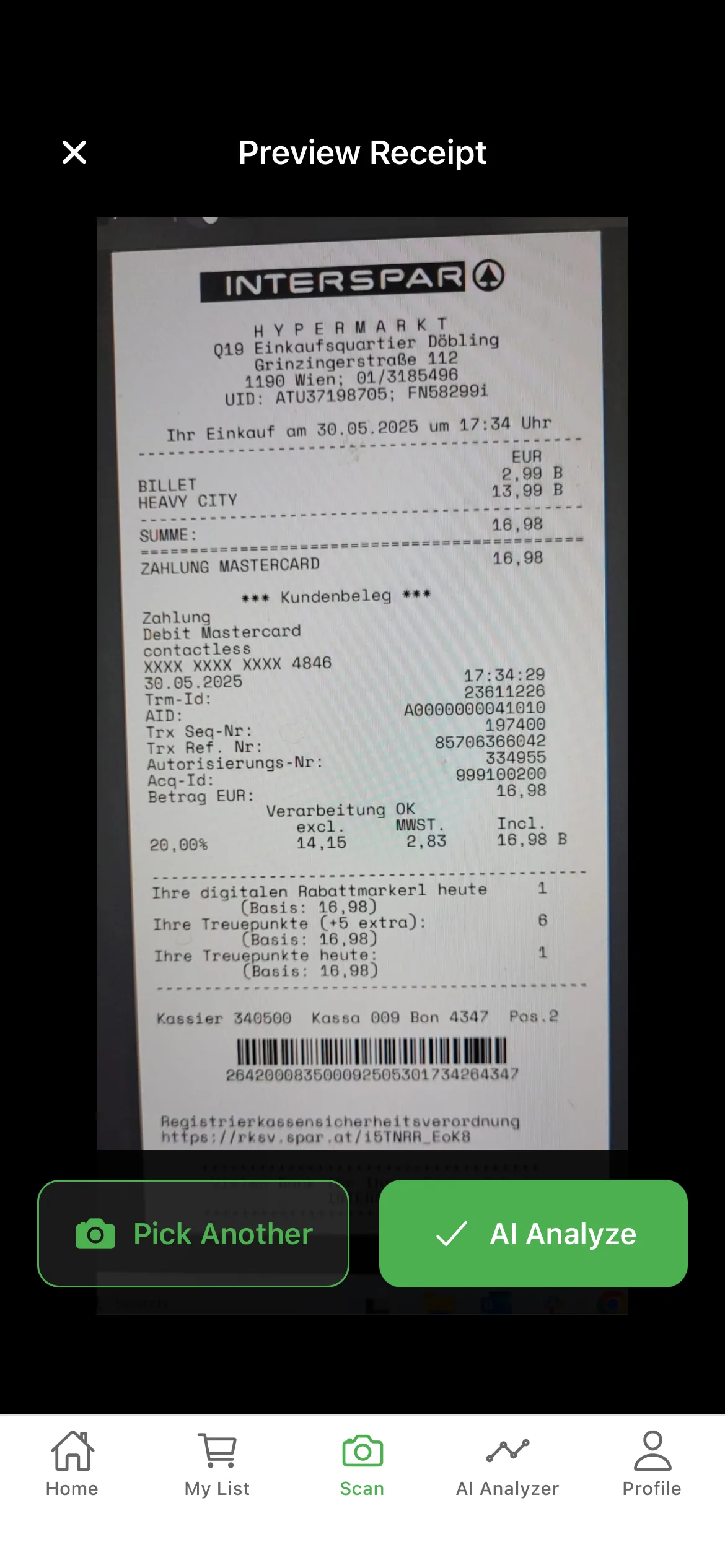
What the data says: method vs. outcome
The reason method matters is that visibility drives behavior change. Here is how the approaches compare on the outcomes that actually affect your budget:
Time per week (3 receipts):
- Paper folder: 2 min filing, 0 min insight = no spending visibility
- Spreadsheet: 15 min entering + analyzing = good visibility (if you keep it up)
- Photo folder: 5 min photographing, 30+ min searching when needed
- Receipt scanner app: 1 min scanning, instant dashboards = full visibility
Typical adherence after 3 months:
- Paper folder: ~30% still filing
- Spreadsheet: ~10% still entering
- Photo folder: ~40% still photographing (but not reviewing)
- Receipt scanner app: ~65% still scanning (the lowest-friction method has the highest retention)
Spending reduction vs. untracked baseline:
- Paper folder: 0–2% (no visibility into amounts)
- Spreadsheet: 5–10% (for the 10% who keep at it)
- Photo folder: 2–4% (passive awareness effect)
- Receipt scanner app: 10–18% (real-time visibility + automatic categorization)
The pattern is clear: the method that takes the least time per receipt produces the most useful data, which leads to the largest behavior change. It is not about willpower. It is about friction.
Why thermal receipts make the case for scanning
Paper receipts are not just inconvenient — they are temporary. Most are printed on thermal paper, which uses a chemical coating that darkens when heated. This means:
- Sunlight accelerates fading. A receipt left on a car dashboard in summer can become unreadable in days.
- Heat from storage destroys text. Storing receipts in a warm attic or near a heater causes rapid degradation.
- Friction from handling rubs off ink. Every time you flip through a folder, the receipt surface degrades.
The IRS requires you to keep records for 3 years for tax purposes. If your paper receipts fade before that deadline, you have no documentation. Scanning solves this permanently — the digital image does not degrade, and a good app time-stamps it at the moment of capture.
When paper still makes sense
There are two situations where keeping the original paper receipt matters:
- Returns and warranties. Many stores require the original receipt for returns — not a photo, not a scan. Keep paper receipts for big purchases (appliances, electronics) in a separate warranty folder.
- Business expense reimbursements. Some employers require the original receipt for reimbursement. Scan first, then submit the paper.
For everything else — groceries, everyday purchases, monthly spending — a digital record scanned at the point of purchase is more durable, more searchable, and more actionable than paper will ever be.
How to switch from paper to app in one week
If you are currently using paper or spreadsheets, here is the simplest transition:
- Download a receipt scanner app.
- For one week, scan every grocery receipt the moment you unpack. Do not try to catch up on old receipts — start fresh from today.
- After 7 days, open the dashboard and look at your store-by-store totals, category breakdown, and weekly spend. This is information your paper folder could never give you.
- After 30 days, compare your tracked spending to your bank statement. The numbers will match — because the app captured every receipt, not just the ones you remembered to enter.
The switch takes one week of habit building. After that, scanning becomes automatic — like locking your car door. You do not think about it. The difference is that the data is finally working for you, instead of sitting in a folder you never open.
Frequently asked questions
Is a receipt scanner app worth it?
Yes. A receipt scanner app eliminates manual data entry, captures every line item automatically, and provides real-time spending insights. Users who scan receipts consistently identify 10–15% in savings opportunities within the first two months — far more than paper folders or spreadsheets alone.
How long should I keep paper receipts?
The IRS recommends keeping receipts for 3 years for tax purposes. However, thermal paper receipts fade within 6–12 months. Scanning receipts when you get home ensures you have a permanent, legible digital record — even if the paper copy fades.
Can I scan receipts for tax deductions?
Yes. The IRS accepts scanned receipts as valid documentation for deductions, as long as the scan is legible and made at or near the time of the expense. A receipt scanner app that time-stamps and categorizes each scan provides exactly this documentation.
What happens to thermal receipts over time?
Thermal receipts use heat-sensitive paper that fades when exposed to light, heat, or friction. Most receipts become illegible within 6–18 months. Scanning preserves the data permanently — once scanned, the digital record will not degrade.
Put this into practice in seconds
Scan your receipts and let GroceryTracker Pro track every store, category, and price for you — free to start.
